by kpl128 | | Blog, Scans
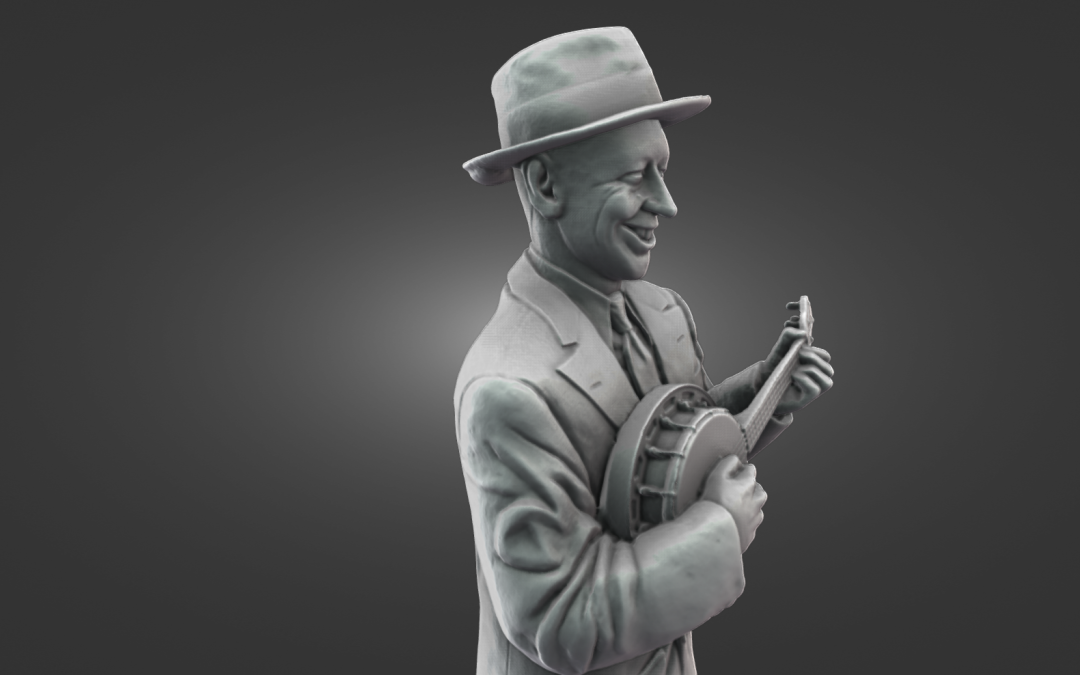
When I was in Wigan yesterday i couldn’t miss the chance to scan the George Formby statue at the Grand Arcade. The scan came out well, and it really captures his character, especially with that classic ukulele pose he was known for. George Formby was born in Wigan in...
by kpl128 | | Blog, Scans
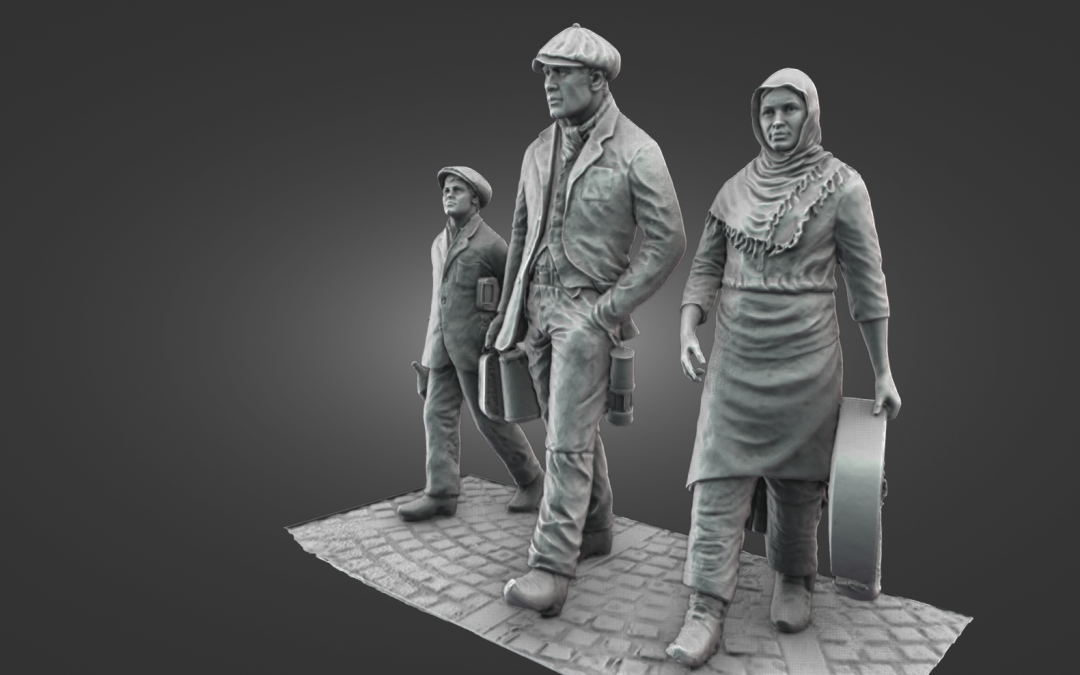
Wigan Mining Monument – Scanned with the Creality Otter I stopped by Wigan today to scan the Wigan Mining Monument, a powerful tribute to the town’s coal mining past. The full scan took around 22 minutes using the Creality Otter and wireless bridge. It came out really...
by kpl128 | | Blog, Scans
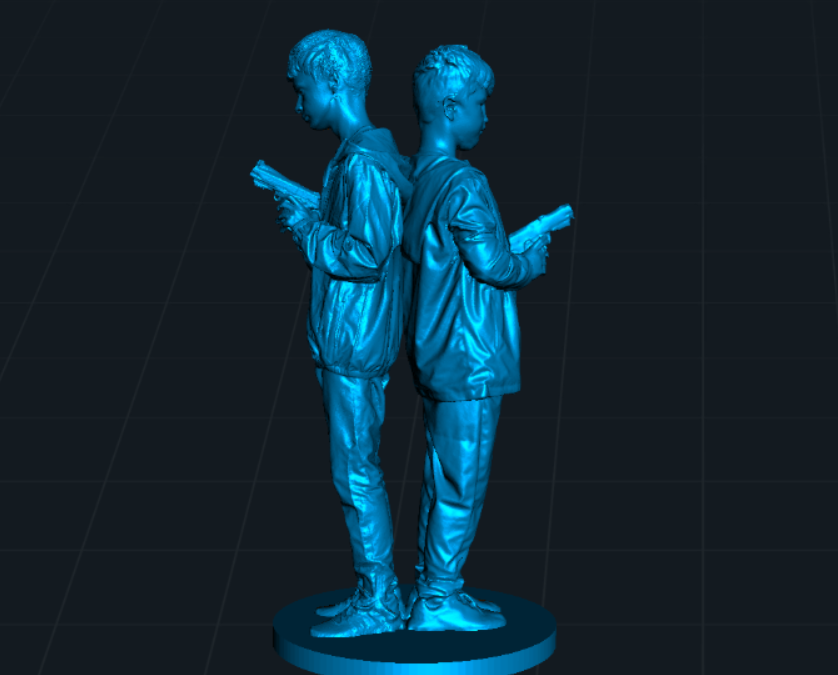
Back to Back Heroes 3D Scan of My Two Boys with the Creality Otter This one’s special. I scanned my two boys standing back to back, holding toy guns in a classic movie-style pose the kind of action stance you’d see on a film poster. I scanned each of them separately...