
Resin Printing
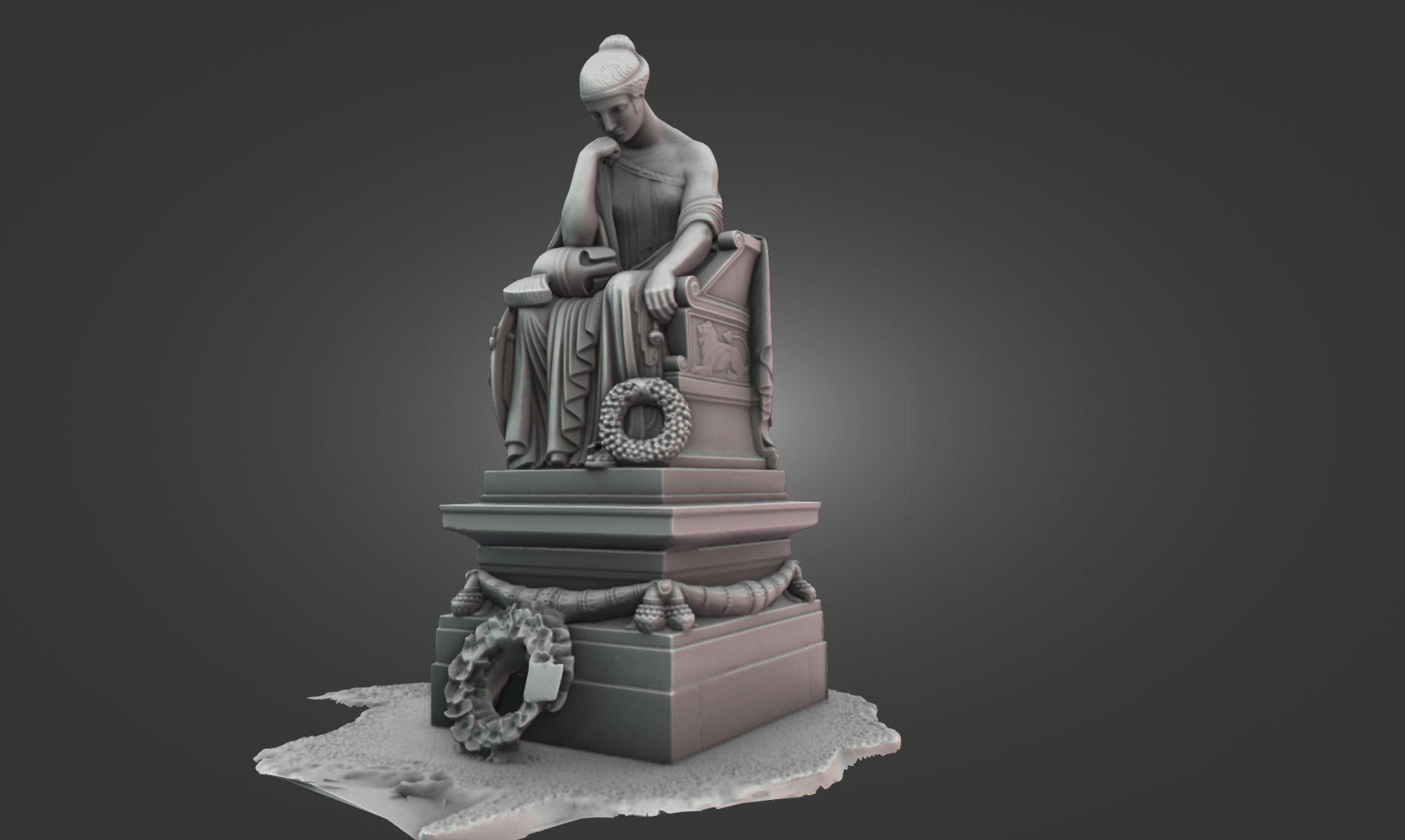
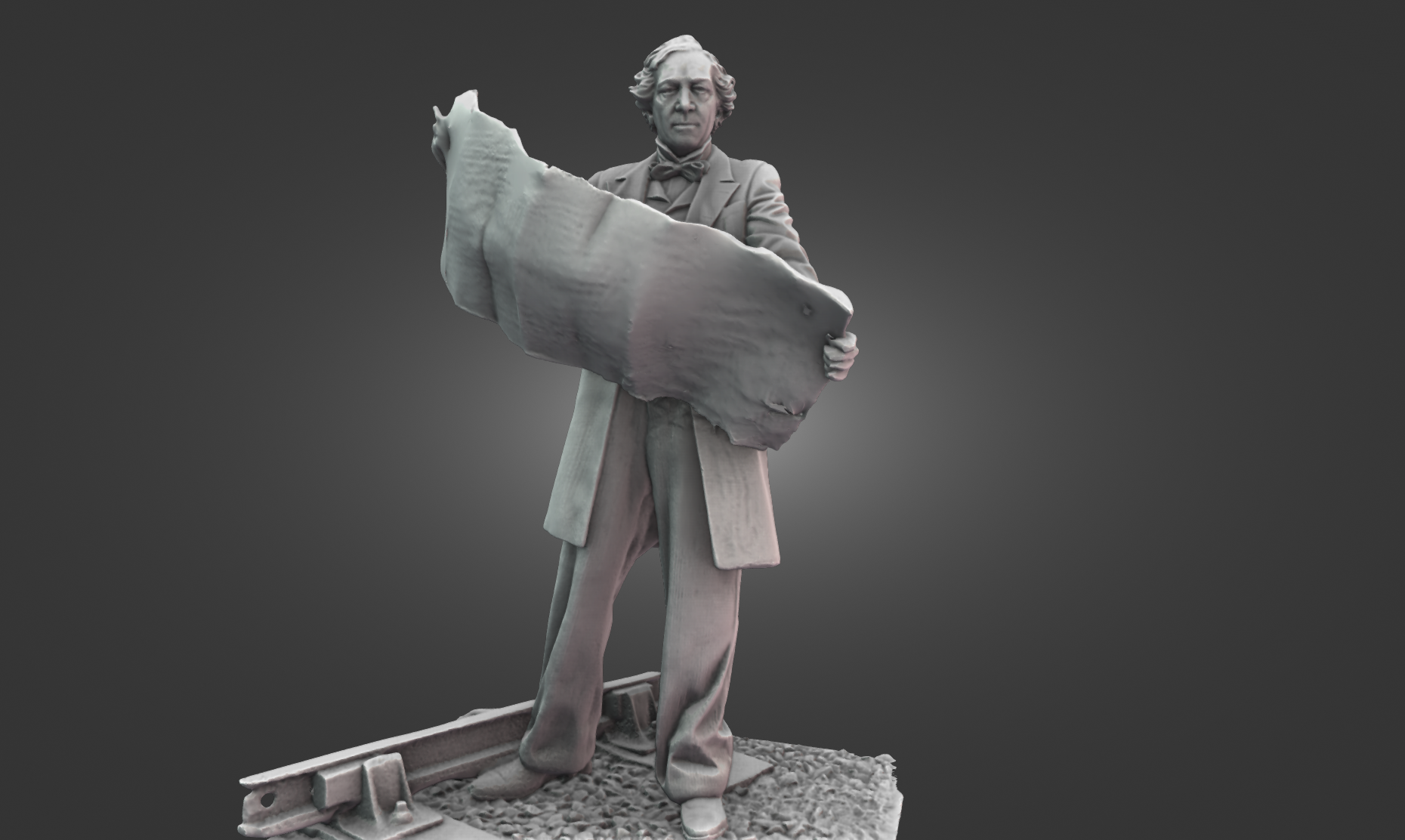
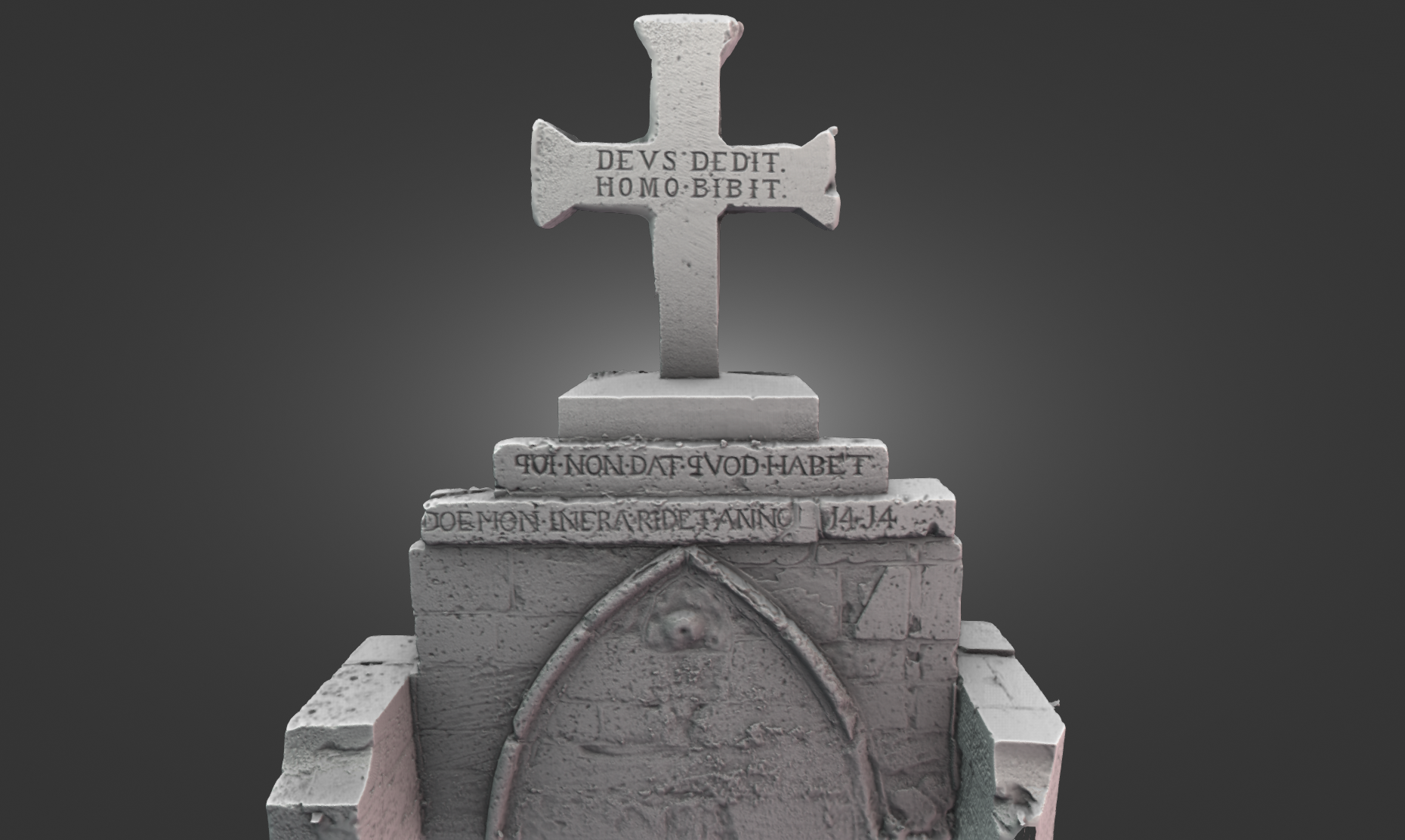
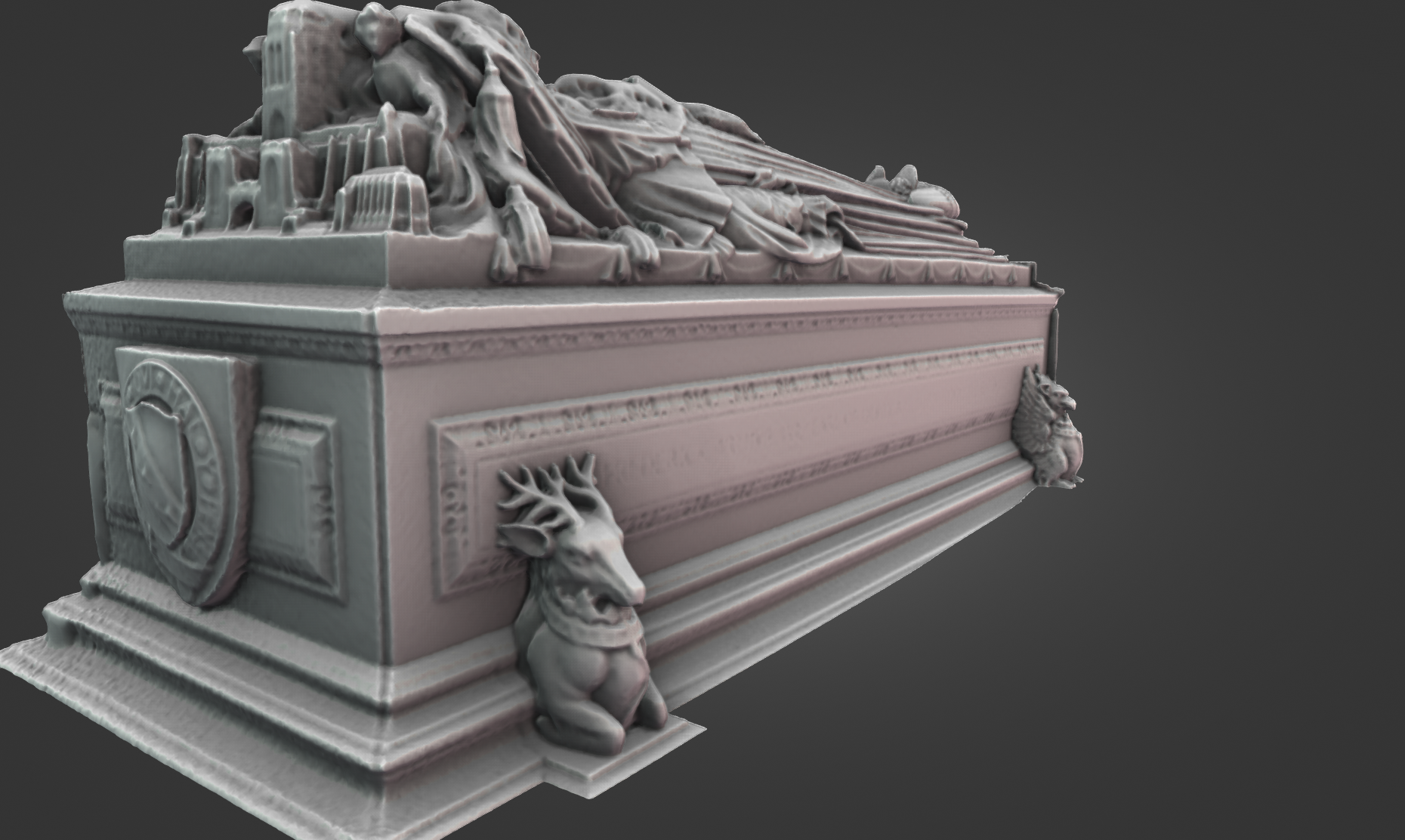
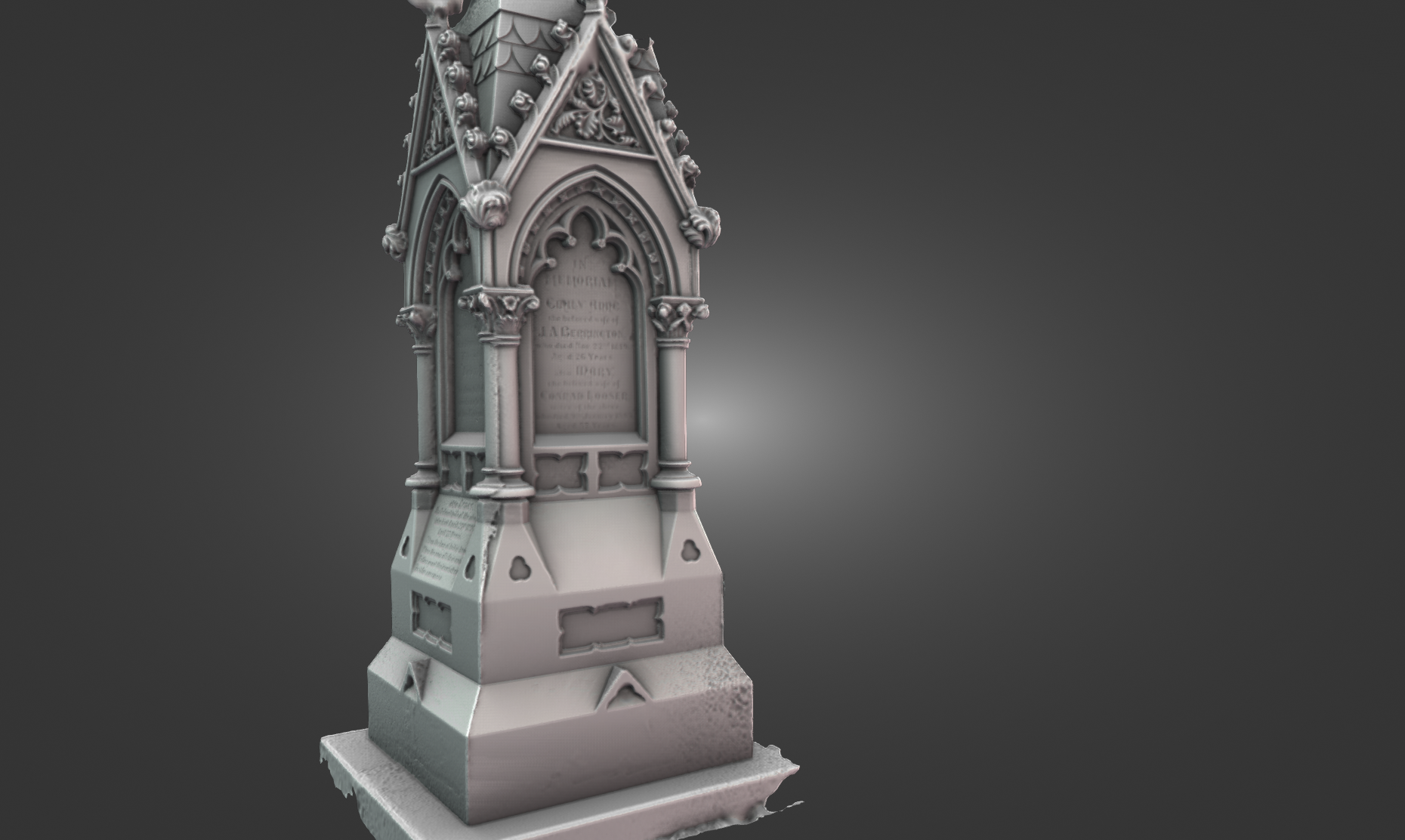
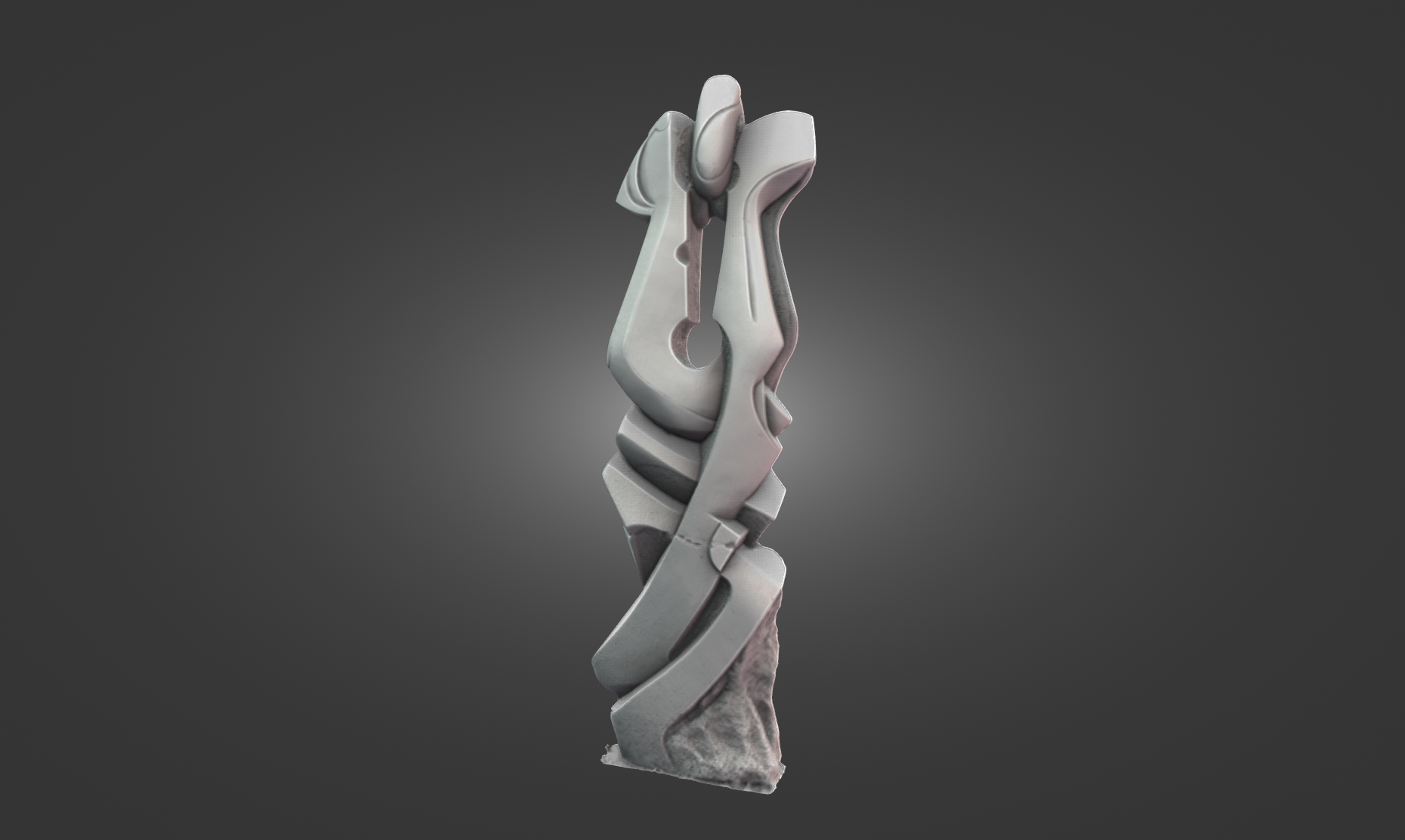
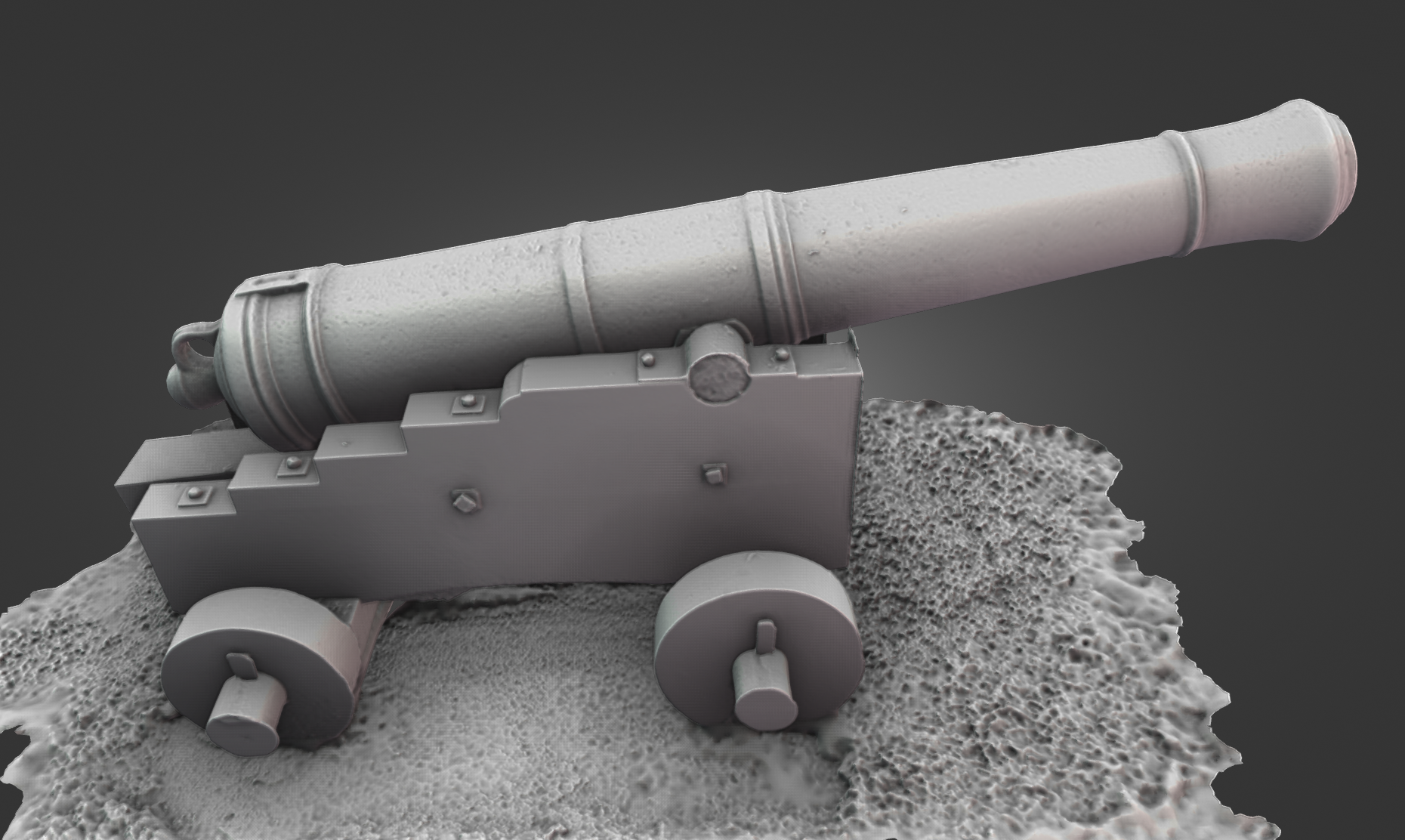
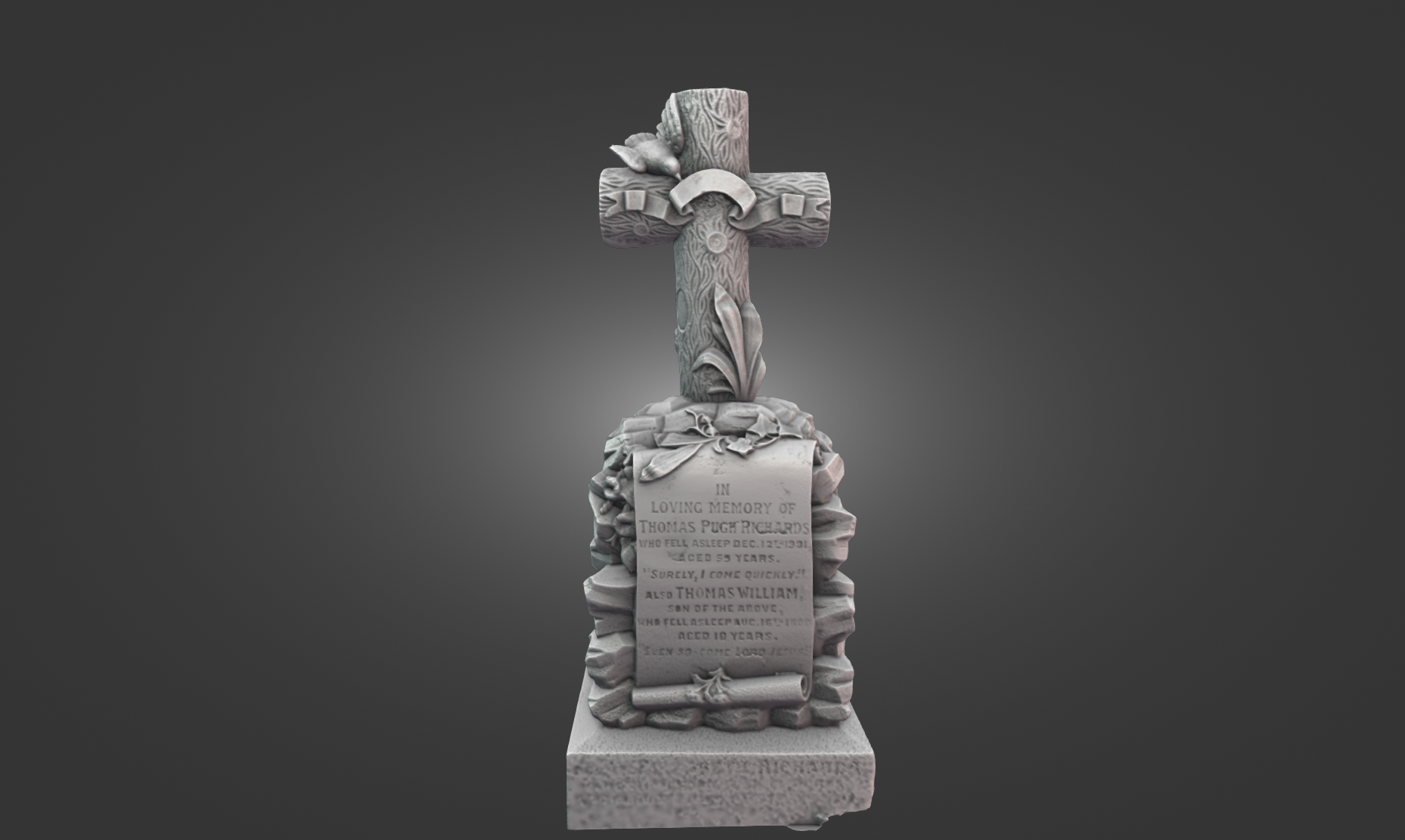
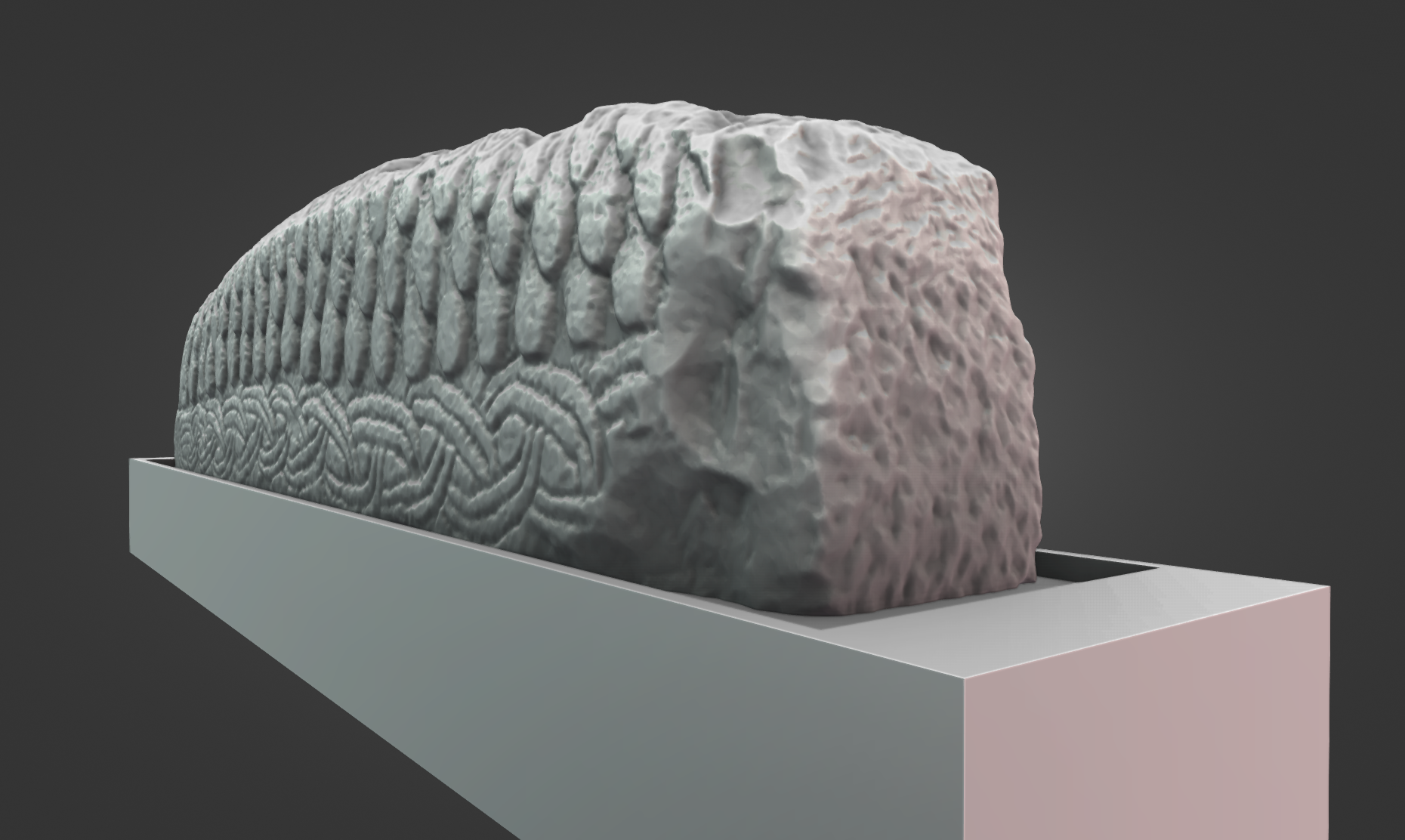
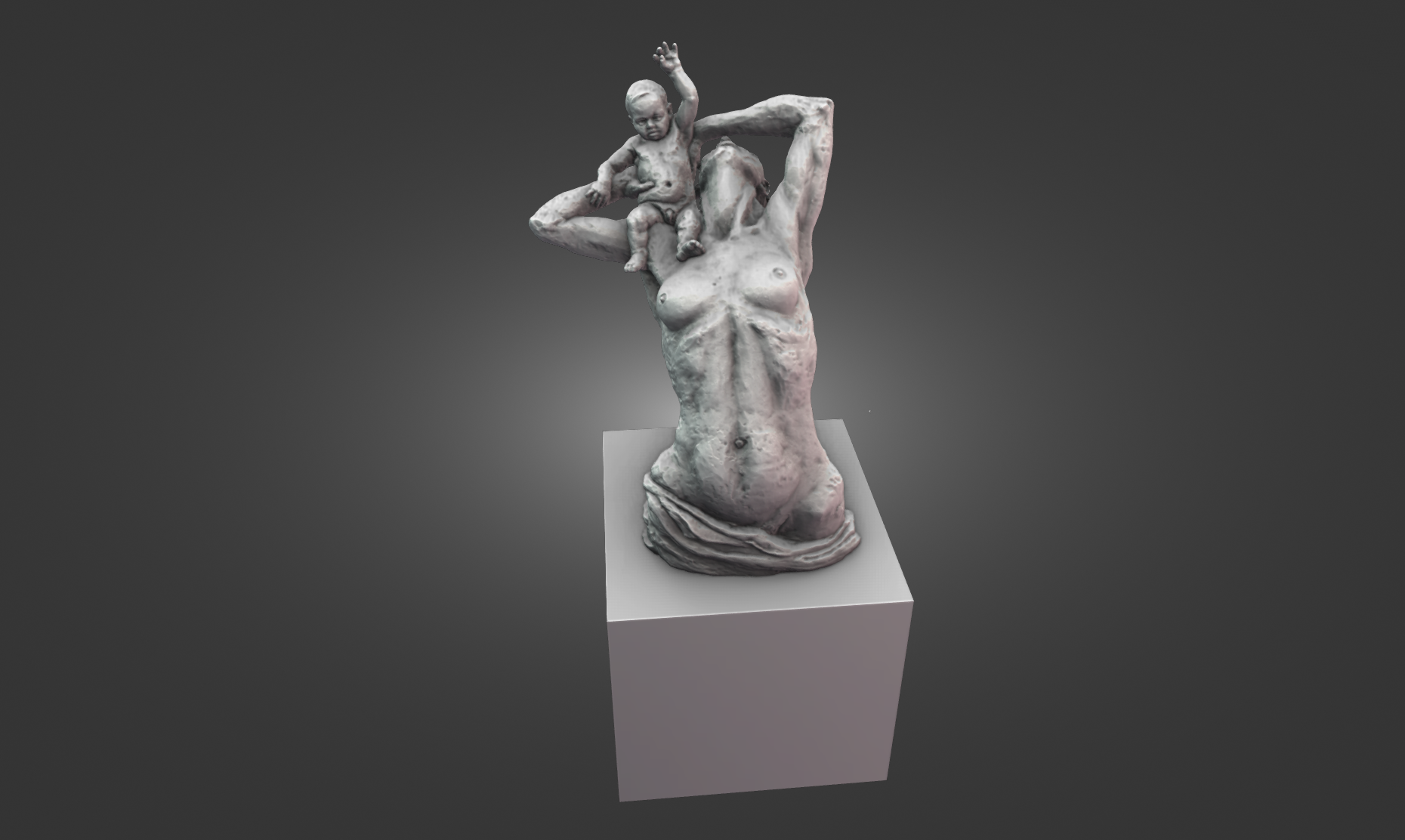

Resin printing, a technology often referred to as SLA (Stereolithography) or LCD (Liquid Crystal Display) printing, has revolutionized the world of 3D printing by offering superior detail and surface quality compared to traditional FDM (Fused Deposition Modeling) printing. It uses liquid photopolymer resin that is cured layer by layer using light, and it’s popular in industries that require high-precision models, such as healthcare, engineering, and design. Let’s explore this process and its details further.
How Resin Printing Works
The Printing Process:
Resin printers rely on the principle of photopolymerization, where liquid resin hardens when exposed to a UV light source. Here’s a step-by-step look at how the process unfolds:
-
Resin Selection: Photopolymer resin is a key component in this process. The resin is a liquid material that reacts to UV light, hardening once exposed. The resin is loaded into the printer’s vat, and the printer uses a light source to cure the resin in the desired shape.
-
Layer-by-Layer Construction: Resin printers operate by curing resin layer by layer. A thin layer of resin is spread across the build platform, and then a UV light (usually either an LCD screen or a laser) hardens the resin into the shape of the first layer. The print bed is then lowered or raised by a precise amount (depending on the printer model), and the next layer is cured, with the process repeating until the model is complete.
-
UV Curing: Once the print is finished, the model still needs to undergo additional curing under UV light. This step ensures the print reaches its final hardness and stability. Without this post-cure step, the print could remain soft and prone to deformation.
Printer Types:
-
SLA (Stereolithography): This is one of the earliest forms of resin 3D printing, where a laser is used to cure the resin. SLA printers offer highly precise and detailed prints but can be more expensive due to the laser’s technology.
-
DLP (Digital Light Processing): A more recent method, DLP uses a digital light projector to flash an entire layer of resin at once, which is faster than SLA but still provides excellent detail.
-
LCD (Liquid Crystal Display): LCD printers use an array of LEDs to selectively cure the resin. While they are generally more affordable than SLA and DLP printers, they also provide high resolution and good detail for most prints.
Advantages of Resin Printing
1. High Detail and Precision
-
Resolution: One of the most significant advantages of resin printing is its ability to produce highly detailed, precise prints. Because resin can be exposed to light at a much finer resolution than filament in FDM printing, models come out with far smoother surfaces and more intricate features.
-
Fine Features: Resin printers excel at printing small features such as thin walls, delicate details, and sharp edges. This makes them ideal for applications like jewelry, dental models, and miniatures, where detail is crucial.
2. Smooth Surface Finish
-
Minimal Layer Lines: Unlike FDM printers, which leave visible layer lines, resin prints are much smoother, requiring less post-processing to achieve a high-quality finish. The resolution of the resin printer allows for almost flawless smoothness, particularly when using high-quality resin.
-
Post-Processing Efficiency: While resin prints still require some cleaning and curing, they generally need less effort to get a polished finish compared to FDM prints. The parts can look much closer to the intended product without as much sanding or finishing work.
3. Faster Printing (For Smaller Objects)
- Resin printers tend to print smaller, detailed objects faster than their FDM counterparts, especially for models under a certain size. This is especially useful for prototypes or models that need to be printed quickly without compromising quality.
4. Versatility in Material Properties
- Resin printers offer a wide variety of resin types designed for different uses. For example:
- Standard Resin: Offers good quality for general printing needs.
- Tough Resin: Used for making strong parts that need to endure stress or strain, often used for functional prototypes or engineering.
- Castable Resin: Ideal for industries like jewelry, where models are burned away to create molds for casting metals.
- Flexible Resin: Can be used for creating rubber-like parts that need to bend or compress.
- Dental Resin: Specialized for creating dental molds and prosthetics.
- Clear Resin: Used for parts requiring optical clarity, like lenses or light covers.
Disadvantages of Resin Printing
1. Post-Processing Challenges
-
Cleaning: Once a model is printed, it needs to be cleaned to remove excess uncured resin. This is typically done using isopropyl alcohol (IPA) or a resin-specific cleaning solution. Cleaning can be a bit messy, and the process of removing the resin from small or delicate parts can be tedious.
-
Curing: Post-curing is necessary to fully harden the resin and give the print its final strength. This often involves placing the model in a UV curing chamber or under UV light for a period of time. Improper curing can leave prints brittle or soft, reducing their overall durability.
2. Resin Handling
-
Toxicity: Resin can be toxic and requires careful handling. It’s essential to wear gloves and work in a well-ventilated space. Some resins have strong odors, and prolonged exposure to uncured resin can cause skin irritation. Proper PPE (Personal Protective Equipment) such as gloves and masks should always be worn when handling uncured resin and when cleaning prints.
-
Messiness: Resin can be messy to work with, and spills can happen easily. Unlike filament, which is relatively easy to manage and store, resin requires careful attention to avoid accidental exposure to light, which could cause it to harden prematurely.
3. Smaller Build Volume
- Size Constraints: Resin printers generally have smaller build volumes compared to FDM printers. This means large models may need to be printed in parts and assembled afterward. Larger resin printers are available, but they tend to be more expensive and less common than standard models.
4. Cost
- Initial Investment: Resin printers and their associated resins tend to be more expensive than FDM printers, especially for models with high precision. Additionally, resin can be more costly than filament, particularly high-quality or specialized resins.
Applications of Resin Printing
1. Prototyping and Product Development
- Resin printing is widely used for rapid prototyping, particularly in industries like automotive, aerospace, and industrial design. The ability to create highly detailed and functional prototypes in a fraction of the time is a huge advantage.
2. Miniatures and Figurines
- The popularity of resin printing has surged in the hobbyist community, particularly for creating detailed miniatures for tabletop games, model railroads, and collectibles. The fine detail of resin prints allows enthusiasts to create miniature figures, models, and terrain pieces with extreme precision.
3. Medical and Dental Applications
-
Dental Resins: These are used to create molds and custom prosthetics. Castable resins, in particular, are used to produce accurate patterns for casting metals or ceramics, a common process in dental applications.
-
Medical Devices: Resin printing is also used to make medical models or custom implants and surgical guides, as it can replicate human anatomy with incredible detail.
4. Jewelry and Art
- Jewelry designers use castable resins to create models that are then used for lost-wax casting. Fine details, such as engravings and intricate patterns, can be easily replicated in resin prints, which are then turned into metal pieces.
5. Education and Training
- Resin printing is also used in educational settings to produce anatomical models, historical artifacts, or complex geometries that might be difficult to explain using traditional methods. These models provide a tangible, detailed learning tool.
Maintenance and Tips
1. Proper Storage
- Resin should be stored in dark, cool environments to prevent it from curing prematurely. Exposure to UV light can cause resin to harden inside the bottle, making it unusable.
2. Ventilation
- Ensure your work area is well-ventilated when using resin printers. The fumes from resin and the cleaning process can be hazardous, and it’s crucial to have good airflow to avoid inhaling toxic fumes.
3. Regular Printer Maintenance
- Like any 3D printer, resin printers need to be regularly cleaned and maintained. Resin tanks, build plates, and light sources should be kept in optimal condition to avoid contamination and print failures.
4. Curing and Cleaning Equipment
- Consider investing in a cleaning station (often a simple ultrasonic cleaner) and a curing station (a UV light box). These tools can significantly speed up the post-processing phase, ensuring better results with less effort.
By expanding your site with detailed content on resin printing, you can showcase its precision, versatility, and real-world applications, helping your audience better understand how resin printing can be utilized for hobbyist, prototyping, and even industrial use. It would also be helpful to provide guidance on how to choose the right resin for specific projects and tips for effective post-processing.